
We understand how important it is to keep things moving & maintain your momentum.
Knowing the status of your tasks not only helps you plan better but also ensures transparency throughout our collaboration.
To cater to your preferences, we offer three ways to receive notifications regarding the status of your requests.
Here’s how you can stay updated and what you can expect from each notification method.
Choosing Your Notification Preferences
When you submit a request, you’ll set a Notifications preference that controls how — and whether — we keep you posted as the request moves through its statuses.
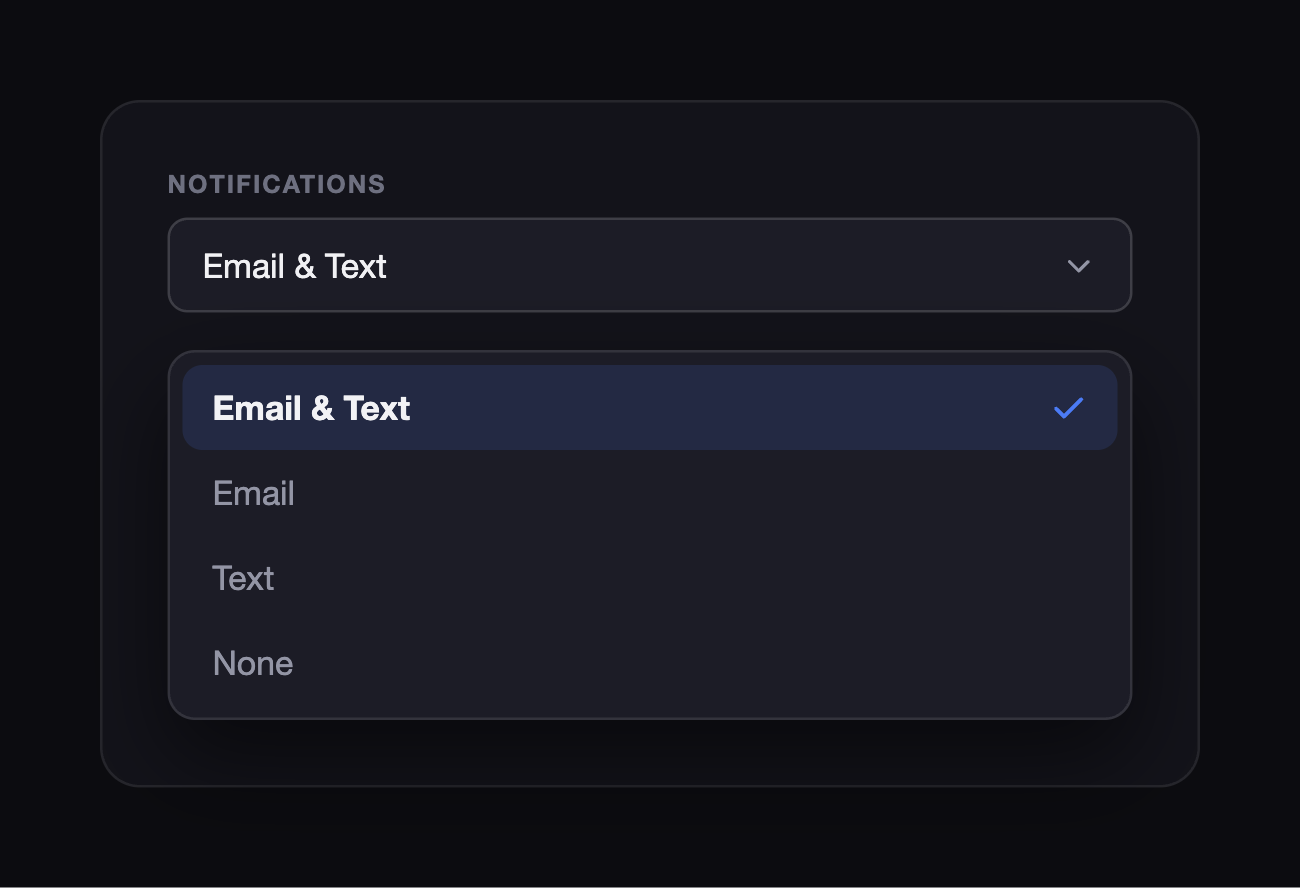
Pick whichever fits how you like to be reached:
- Email & Text — updates by both email and SMS (the default).
- Email — email only.
- Text — SMS only.
- None — opt out of status updates for this request.
You set this per request, so you can be closely notified on the urgent ones and stay hands-off on the rest.
Notification Methods
Email Notifications
Emails are sent to the contact information associated with your account. They’re ideal for when you want a detailed record of updates that you can refer back to at any time. Email notifications will include the task name and its most recent status. For any status marked as “On Hold,” we’ll include additional information about the specific issue and how we plan to address it.
Text Message Notifications
Text messages offer a quicker, more immediate way to stay informed. Sent directly to your phone, these notifications are perfect for receiving timely updates without needing to check your email. Like email notifications, text messages will include the task name and its current status, ensuring you’re always in the loop, even on the go.
Both — Email & Text
For those who prefer not to miss a single update, selecting both email and text message notifications ensures you’re informed through multiple channels. This option is particularly useful for urgent tasks or when you’re away from your primary email account.
What to Expect in Notifications
Regardless of the method chosen, each notification will clearly state the name of the task and provide the most recent status update. For tasks marked as “On Hold,” we go a step further by including detailed information about the issue at hand. This ensures you’re not just aware of the problem but also understand the context and any actions required from your side to move forward.
If you have any questions about setting up your notification preferences or need assistance with an existing request, our team is here to help.