
We’d hate to see you go!
Before you make any decisions, let us know what went wrong by emailing us at team@flowjot.com. We’re genuinely interested in what’s going on and whether there’s a way to help.
But if you’re ready to cancel, here’s exactly what happens and how to do it.
What Happens When You Cancel
- Future charges stop. Canceling turns off auto-renewal, so you won’t be billed again.
- You keep access through the end of your current cycle. You’ve already paid for the cycle you’re in, so your portal, queue, and access stay active until that paid cycle ends.
- Then your account closes. At the end of the current cycle, active and recurring work stops and your access ends.
- What you keep vs. what goes away. Everything we’ve built and implemented in systems you own or control — your CRM, website, hosting, third-party platforms — is yours and stays yours. What ends is access to the portal and any files stored in our systems, so download anything you need before your cycle ends.
- Renewals are non-refundable. Canceling stops your next charge, but past payments and the current cycle aren’t refunded. (New signups have a 7-day refund window — see Refunds.)
Any discounts or legacy pricing on your account are also released when you cancel.
Prefer To Pause Instead?
If you just need a break, you don’t have to lose your spot for good — canceling now and resubscribing later is straightforward. If the timing matters, email team@flowjot.com and we’ll help you work it out.
How To Cancel
- Log in to your account (you’ll need to be an administrator) and go to Settings at portal.flowjot.com/settings.
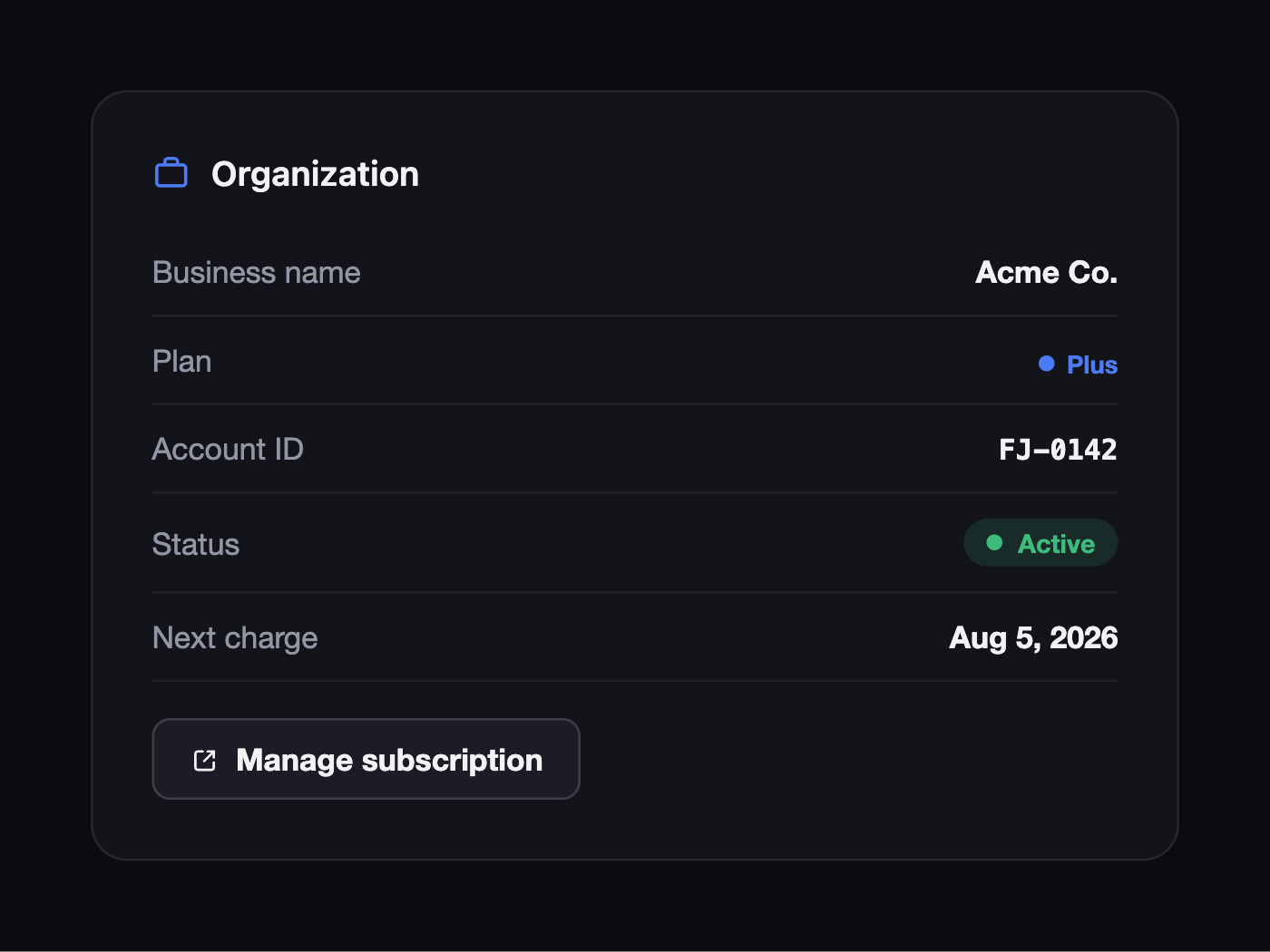
- In the Organization section, click Manage subscription — from there you can cancel and turn off auto-renewal.
You can also cancel by contacting our support team at team@flowjot.com — we’ll confirm your cancellation and its effective date by email.
Once canceled, your plan keeps running until the end of your current cycle and won’t auto-renew after that.